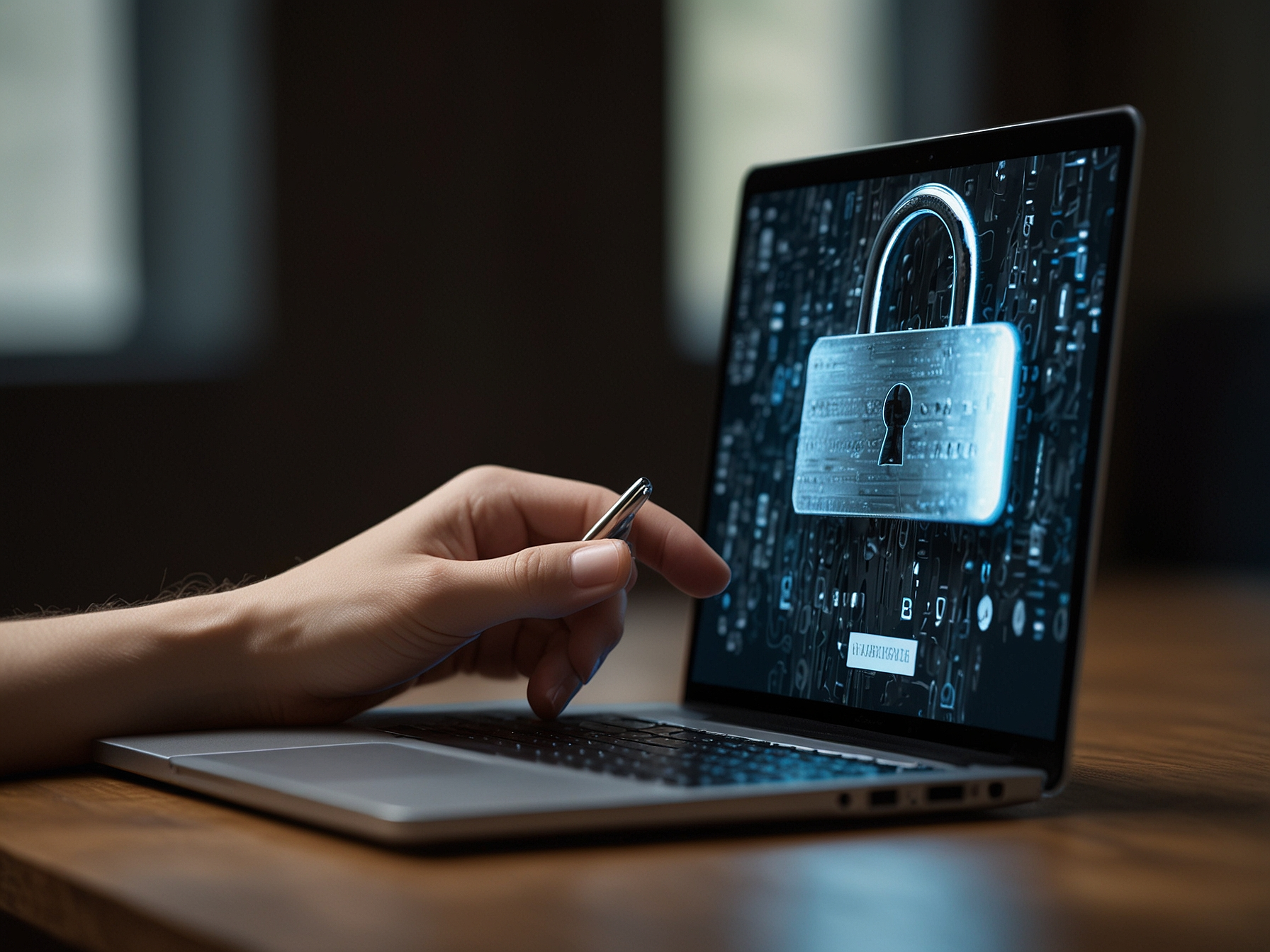
We provide a simple and secure login workflow to protect your account and funds. To sign in, navigate to the login page, enter your registered email or username, and type your password. If you use multi-factor authentication, provide the verification code from your authenticator app or SMS message. Our login forms are protected by encryption and rate-limited to prevent automated attacks. We encourage users to enable two-factor authentication and to avoid reusing credentials from other services. These steps significantly reduce the risk of unauthorized access and help us keep the platform safe for all members.
We recommend a layered approach to account security. Use a strong, unique password that combines letters, numbers, and symbols, and change it periodically. Avoid simple or easily guessed phrases. We also encourage the use of password managers to safely store and generate complex passwords. Additionally, enable two-factor authentication to add an extra security layer. With 2FA, access requires both your password and a temporary code from a trusted device or an authenticator app. This measure greatly reduces the likelihood that an attacker who obtains your password can log in to your account.
We monitor login attempts and will notify you of suspicious activity. If you receive unexpected verification requests or emails about login attempts you did not initiate, contact our support team immediately. We provide clear instructions for account recovery, but swift action helps prevent unauthorized changes or financial loss.
We provide a secure account recovery process for users who cannot access their accounts. Begin by using the 'Forgot password' link on the login page, enter your registered email address, and follow the secure instructions we send. For enhanced safety, verification steps may include confirming identity through documents or answering previously set account questions. Please ensure the email on your account is current so recovery links reach you quickly. If you do not receive a recovery email, check spam folders and verify that your email provider is not blocking our messages. Our support team is available to assist where further verification is needed, following strict privacy and identity checks to protect your account.
We never ask for full card details via email or chat. When you provide card or crypto information for deposits or withdrawals, it is processed via secure, PCI-compliant gateways. For withdrawals, we validate identity and payment ownership to ensure funds are delivered to the rightful account holder. You should also keep your financial details private and only enter them on verified pages of our site or app. If you ever suspect a fraudulent payment request, contact support immediately so we can block any suspicious activity and advise on protecting your financial information.
Enable two-factor authentication today to add an extra layer of protection. It only takes a minute and greatly enhances account security.
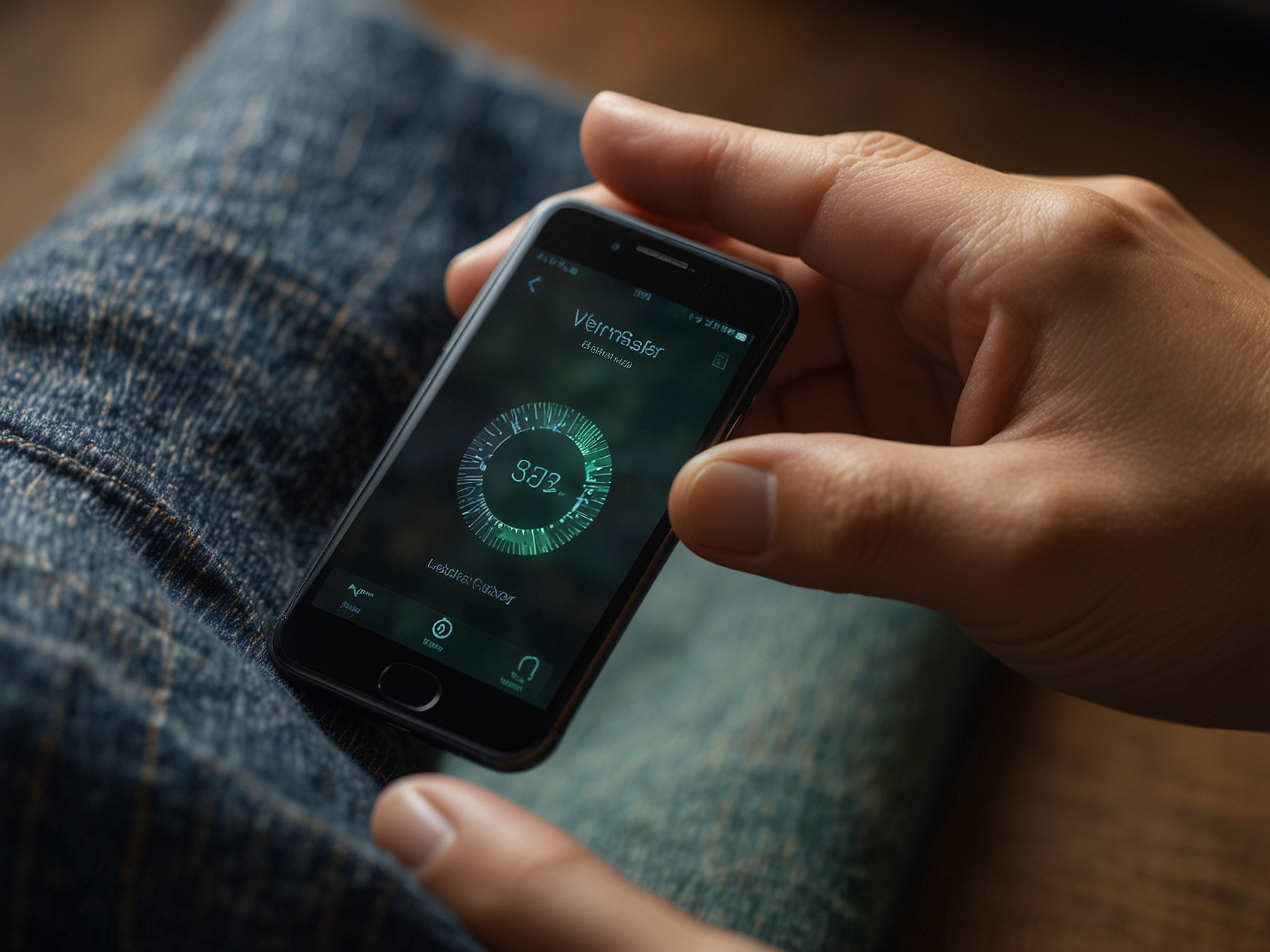
We show active sessions in your account settings so you can review and sign out devices remotely. If you see unknown locations or devices, terminate those sessions and change your password immediately. Use the logout option when finishing a session on a shared or public device. We also recommend enabling automatic logout after periods of inactivity and avoid selecting persistent login options on public computers. These simple habits reduce the risk of unauthorized use of your account and protect your funds and personal data.
We handle personal data in accordance with applicable privacy regulations and our privacy policy. Data needed for verification and compliance is stored securely and used strictly for account safety, fraud prevention, and regulatory obligations. We limit access to sensitive data to authorized personnel and apply encryption both in transit and at rest. You can request details about your stored data or request corrections by contacting our support team. We are committed to transparency and will provide guidance on how your information is used and protected.
By following recommended security practices and keeping your contact details current, you help us keep your account safe and ensure that critical notifications reach you promptly. Together, we maintain a secure environment for everyone to enjoy Wild Tornado services with confidence.
Use the 'Forgot password' link on the login page and follow the secure recovery steps. Additional verification may be requested for account safety.
Visit your account security settings, choose Two-Factor Authentication, and follow the setup instructions using an authenticator app or SMS.
Change your password immediately, sign out other sessions, and contact our support team for account review and further protective actions.
Yes, you can use the 'Remember Device' option on private devices. Avoid using it on public or shared devices to protect your account.